Why does this site developer recommend Remitly to send donations?
• Neither Paypal nor Gofundme send donated balances to Uganda. This means that a US citizen must be a middle-man and retrieve the donations there, get it into their own bank account, then send the donation via Remitly, SendWave, Western Union, or some other method that does allow to send money to Uganda. This takes more time and makes the organization dependent on an outside person. Very helpful individuals volunteer for this position, but life and death take them away and the organization then has to start all over looking for another volunteer to make a new Paypal or Gofundme. It just becomes a pain point for that organization.
• If the org was somehow able to create a Paypal account themselves (which is normally not allowed in Uganda, and requires a US phone number or other US info, so is not 100% an honest account profile, which even Paypal would advise against) the org owner can physically go to their bank, scan a QR Code at the bank, which will transfer the account balance to that bank's Paypal account. Then the bank will charge a hefty fee for this service, and for converting the money from US Dollar to Uganda Shilling. It is just not a good option overall, and the org loses quite a bit of money each time they get a donation.
• Tiktok creates a new problem in all of this chaos. Tiktok only wants registered non-profits to benefit from donations, to help prevent fraud. So, if the group puts anything other than Paypal or Gofundme as a link on their Tiktok page, and they are not a registered non-profit yet, they run the risk of getting their Tiktok page shut down. OK, but what about the guy trying to feed 100 orphans in the streets of Uganda? Sorry Charlie. This is why groups such as these feel forced to get a US friend to help set up a Paypal or Gofundme site on their behalf. This website was created to help those groups who are not yet able to register as non-profits, who may not have the opportunity to, or who cannot afford to.
• Remitly, Western Union, SendWave and others, have the functionality of moving and converting money between countries built right into them. If using something other than Paypal or Gofundme seems foreign to you, please know these other apps have been around a long time, and are used by families who are separated by country boundaries to send money to each other. Families whose kids are studying college abroad, families whose adult kids are working in another country, people who need to send deposits to foreign companies, etc. Remitly is easier to use than the rest that are in existence today. I know, I've tried them all with the intent of helping organizations and U.S. donors connect better. (Well, as of winter 2025, there could be new apps to come that I have not seen).
Here is how to use Remitly for the first time:
Go to www.remitly.com. The nice thing about Remitly is that you don't have to download yet another app to your phone if you don't want to. The instructions below are for the website version: Remitly. (The app version is WorldRemit, WorldRemit is the parent owner of "Remitly" the website.) By the way this is not an ad for Remitly, there is no pay-related referral link here.
Let's use our friend Joseph Matovu's org for orphaned children, who's volunteer work is in Uganda, as an example. On the top, Remtily shows what country you are in and asks what country you would like to send to.
Click on the icon for the country to send to.
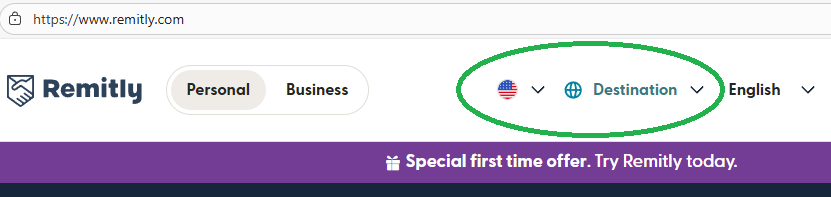
Click on the icon for the country to send to.
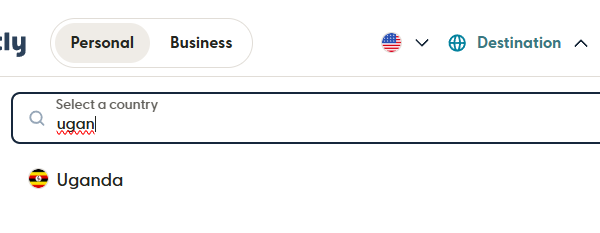
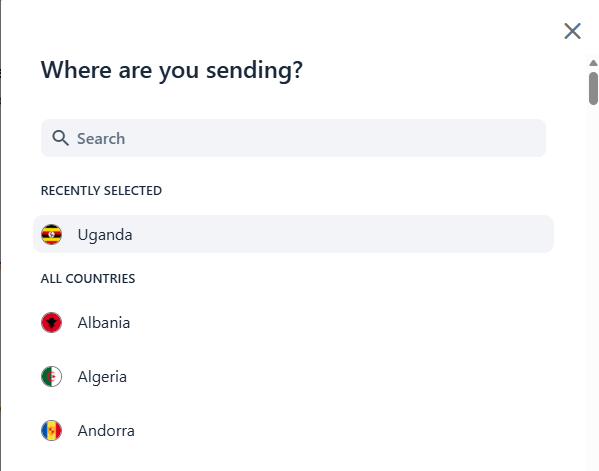
Start typing "ugan" in the search field, then click on "Uganda" in the results.
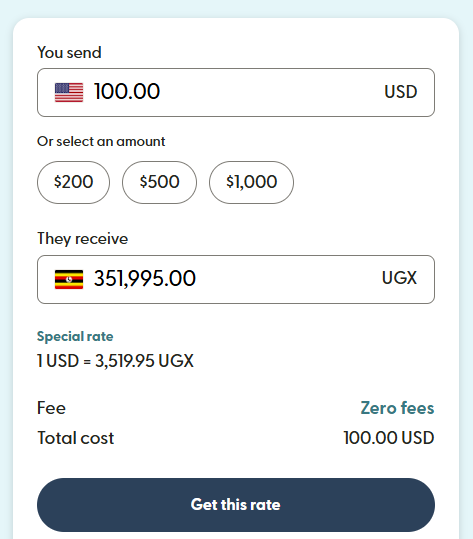
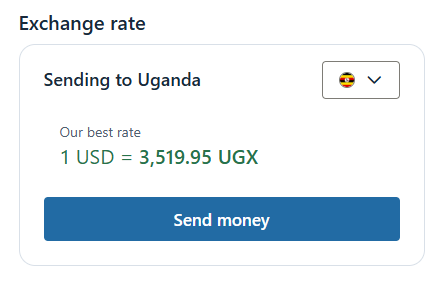
It now shows an example, if you were to send $100 to Uganda, they would get about 351k Uganda shillings.
Type in what amount you actually want to send.
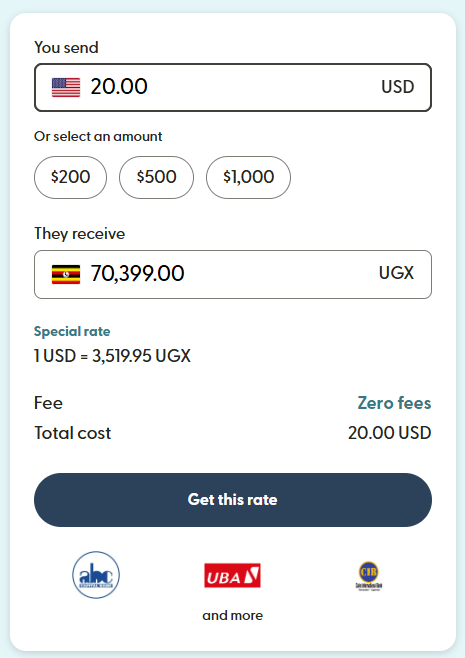
Click "Get this Rate" button, and it will lead you to create a profile.
Either create one using the form fields or use the Google account or Apple account links if that would speed up the process for you, as desired. This profile will make donating again very easy.
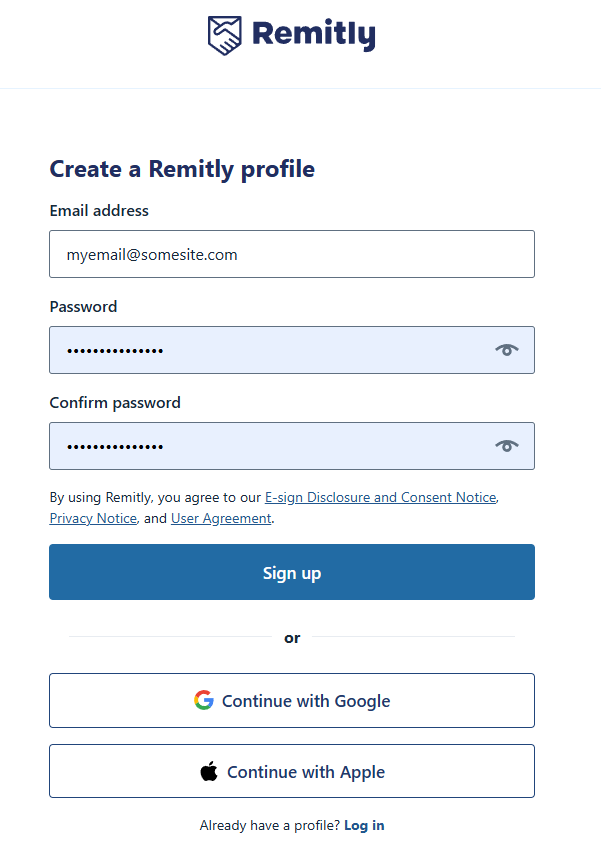
Either create one using the form fields or use the Google account or Apple account links if that would speed up the process for you, as desired. This profile will make donating again very easy.
Choose send as an individual, yourself.
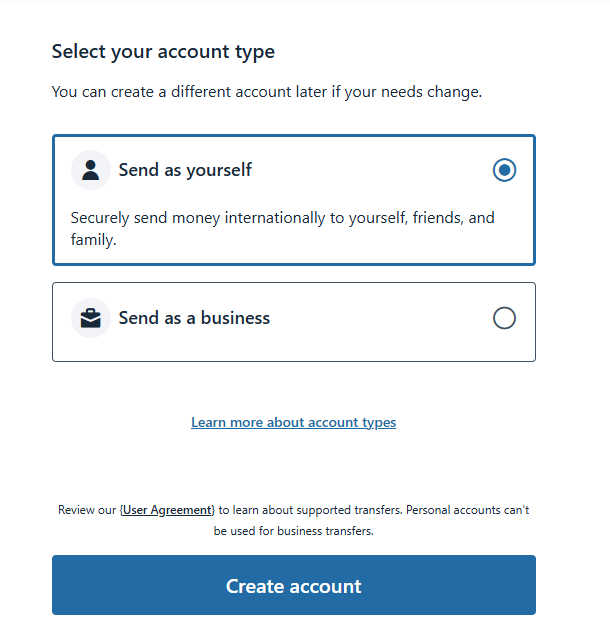
It just wants to show you the current exchange rate of the original country you had chosen.
Now that your account is created, it wants to start the transaction, and asks you to confirm you do want that country and exchange rate it just showed to you. Click "Uganda" in the "recently selected" section.
It wants to know how JOSEPH will receive the money. The "Delivery" method. So click the next item down, the "Delivery method" dropdown.
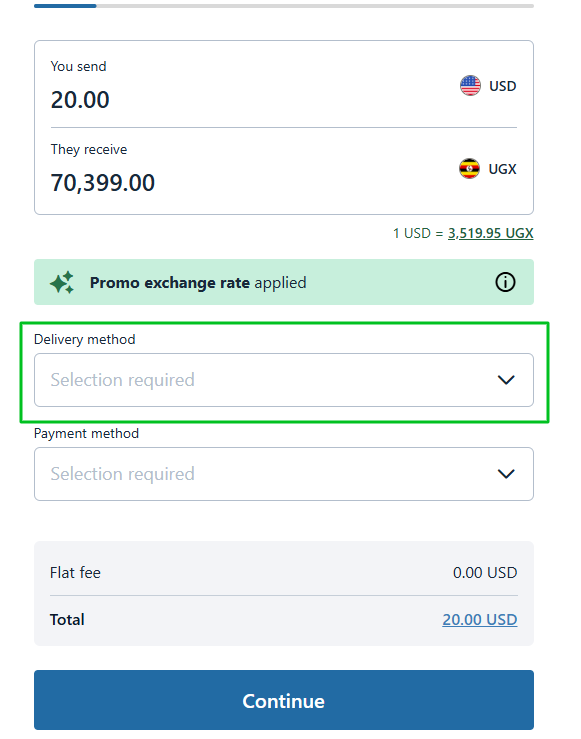
Joseph prefers Airtel Money when donors use Remitly, so click that.
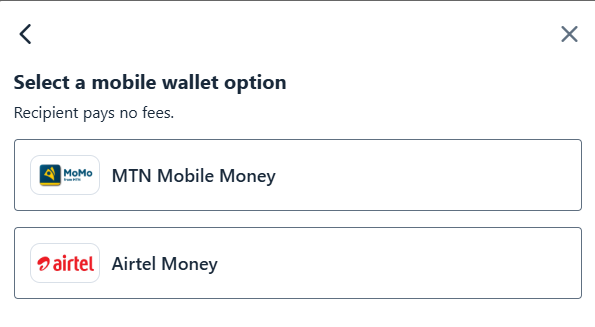
Now it wants to deal with how you will send the money - credit/debit or bank, so click the Payment method dropdown.
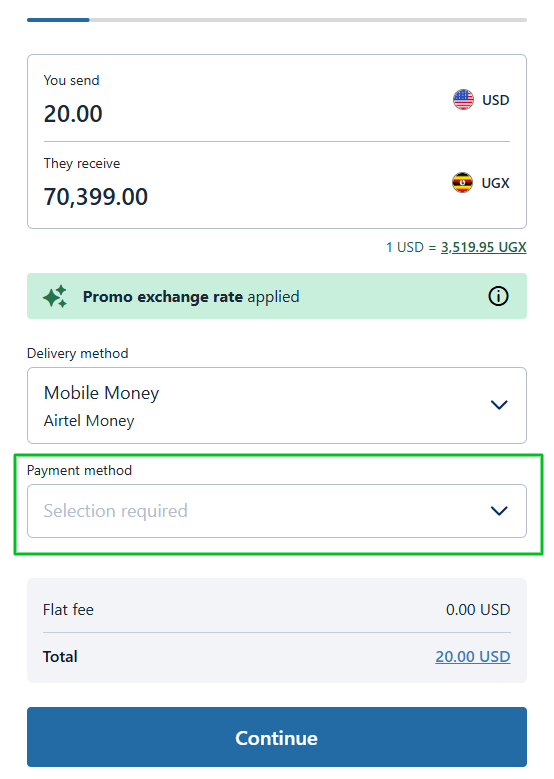
I decide on debit card, for myself.
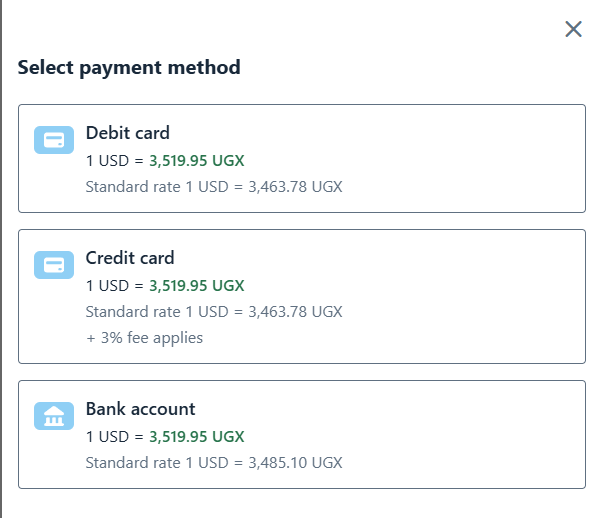
Now that it knows overall what methods will be used, it allows you to continue on. Click the Continue button.
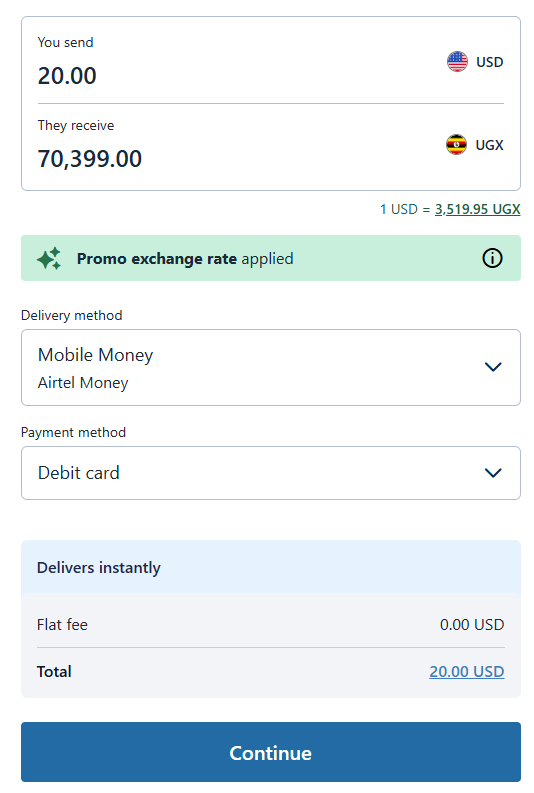
Now that you told it in general what the delivery and sending methods of the money will be, the site will ask you for the relevant details for those two methods. The screenshots below would be different if you did not choose the same items I chose, such as if you chose bank instead of debit card.
Now that you told it in general what the delivery and sending methods of the money will be, the site will ask you for the relevant details for those two methods. The screenshots below would be different if you did not choose the same items I chose, such as if you chose bank instead of debit card.
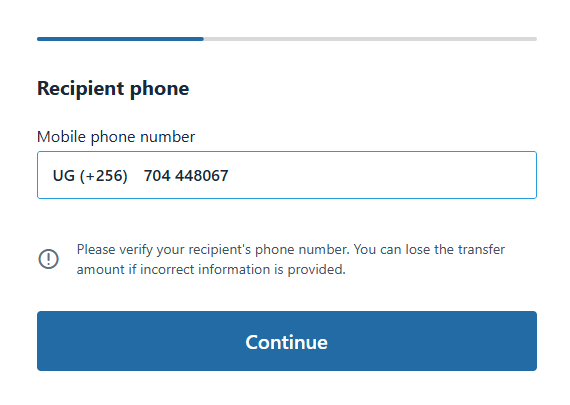
It asks for details of the Airtel recipient, so all it needs is the name and phone number of the recipient. Funny, the "default" example name is "Joseph" too. I type in Joseph and Matovu. In Uganda culture and how they derive names, "Matovu" is his "clan name" and his name is spoken as Matovu Joseph. In forms like these, it serves as his "last name". See next 4 images below.
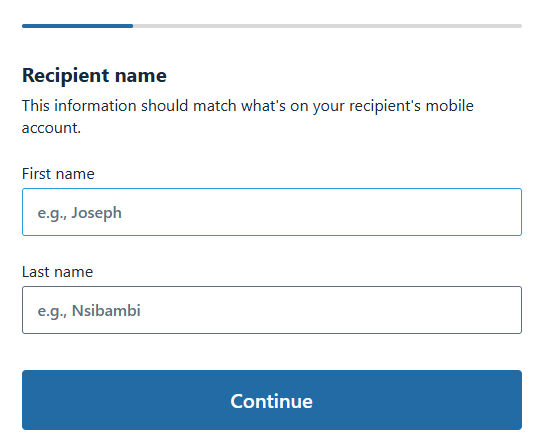
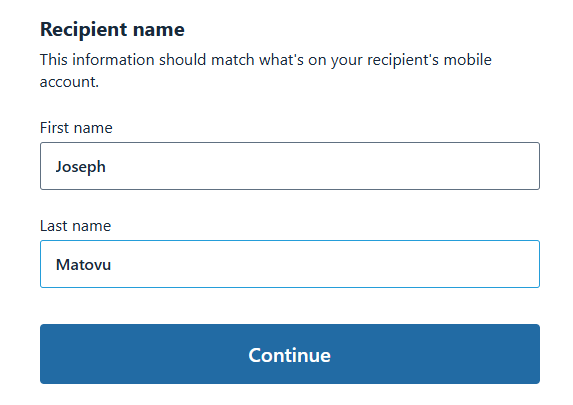
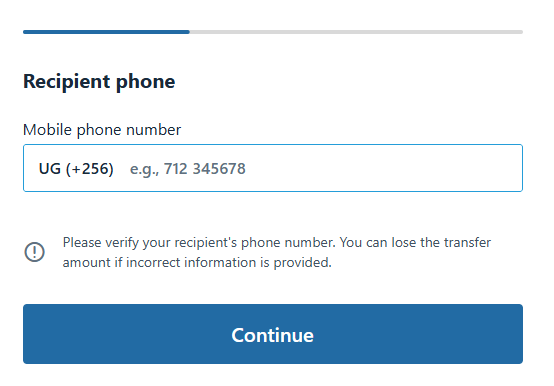
The site knows Uganda's area code is 256, so you'd type in the rest of his phone number.
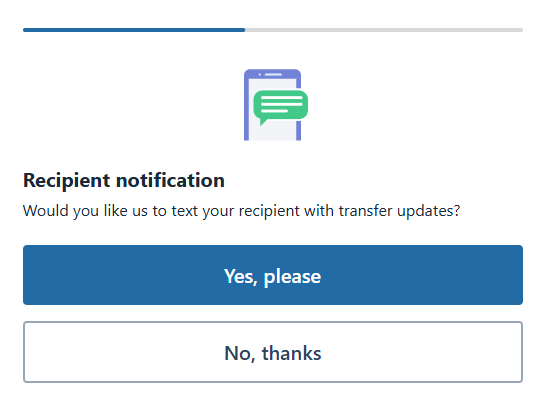
I chose yes here. A text notification to Joseph will be nice.
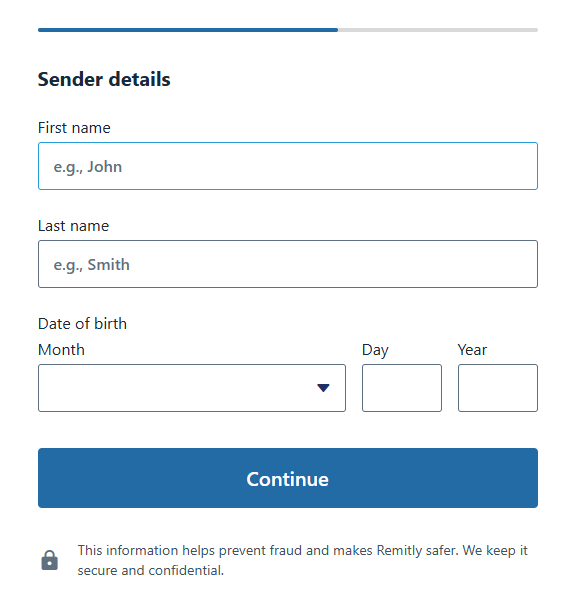
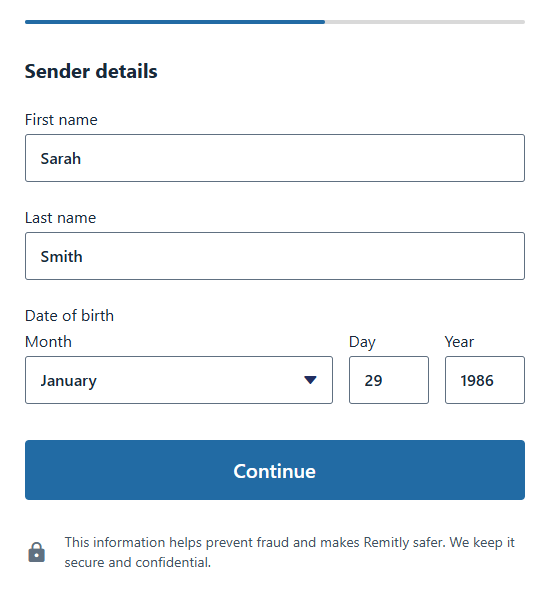
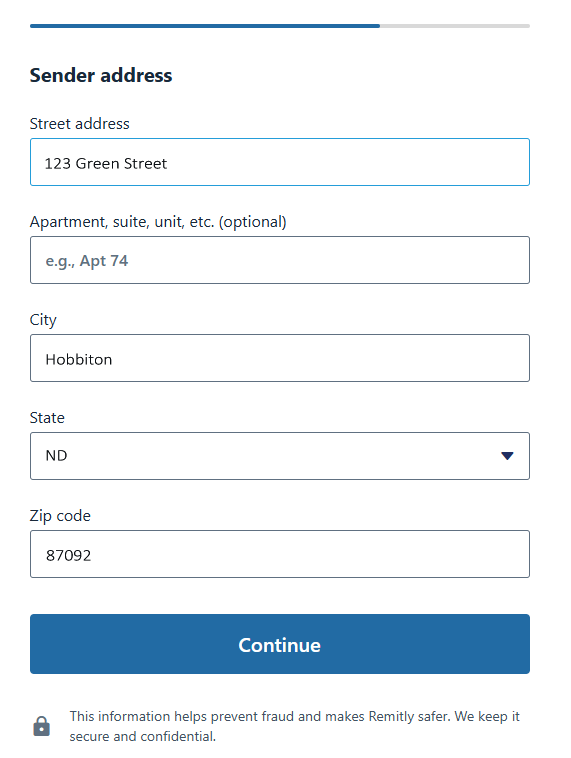
Next, since I chose "debit card" the site will need my details for that kind of transaction. So I give it, see next few images. For this tutorial I screenshotted fake name and numbers of course.
Of course, I used a fake address for the tutorial screenshot
.
.
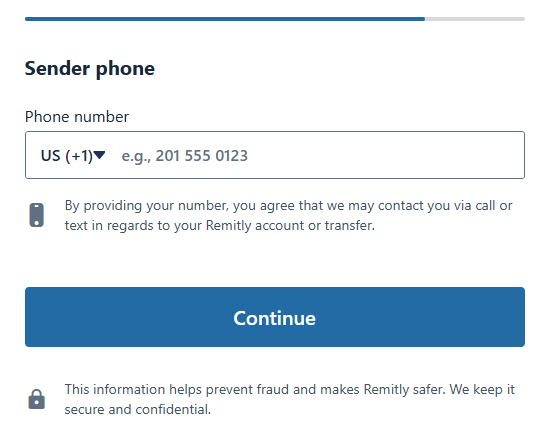
Add your phone number including your area code. Since US has many, it does not preload like it could for Uganda.
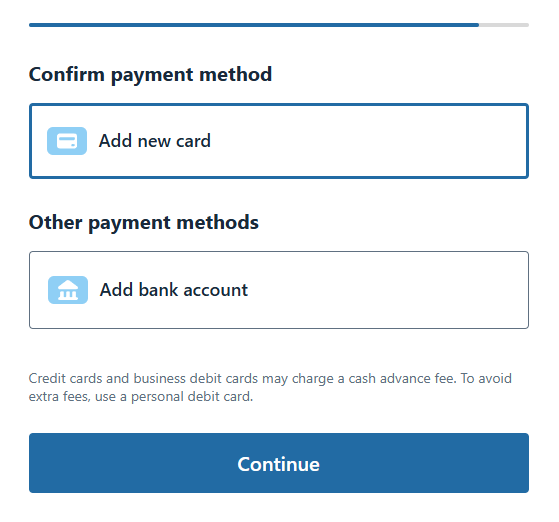
Now I clicked Add new card.
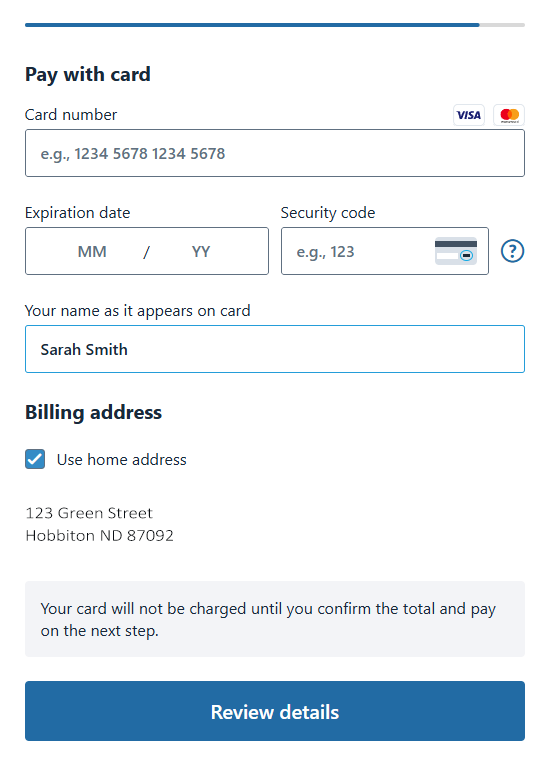
Added my card info and clicked the Review Details button.
There is a review page, to continue through. Click Send button at bottom.
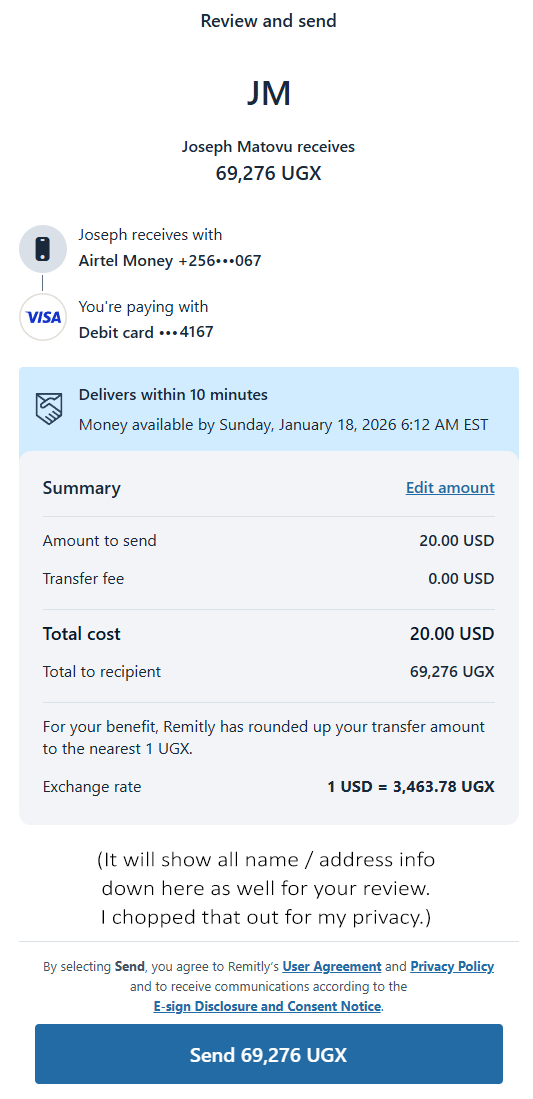
Once you clicked Send, it processes the transaction, showing this:
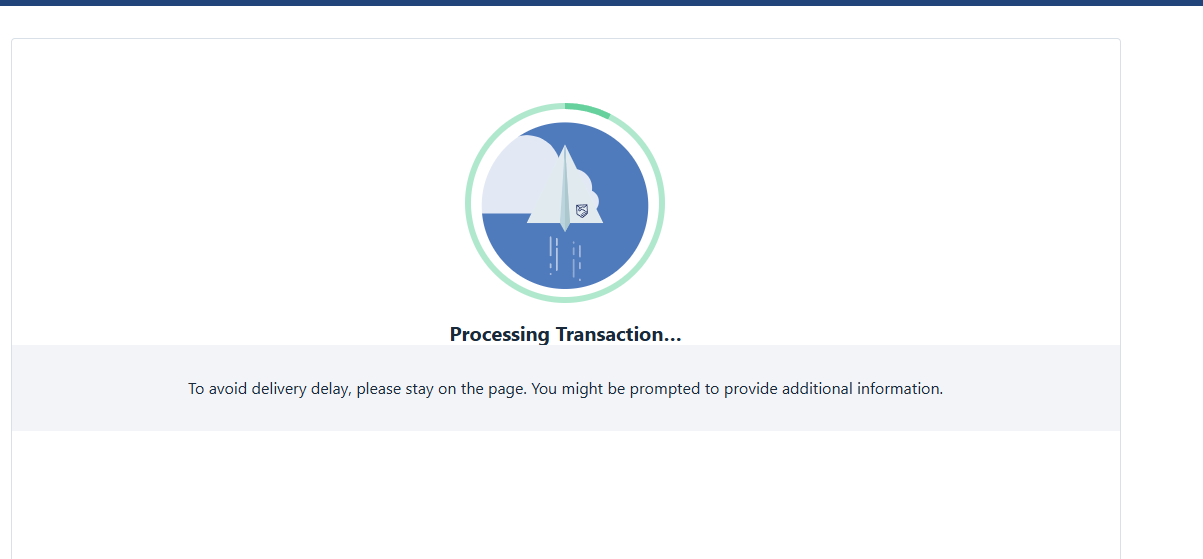
Once it processes, you see this.
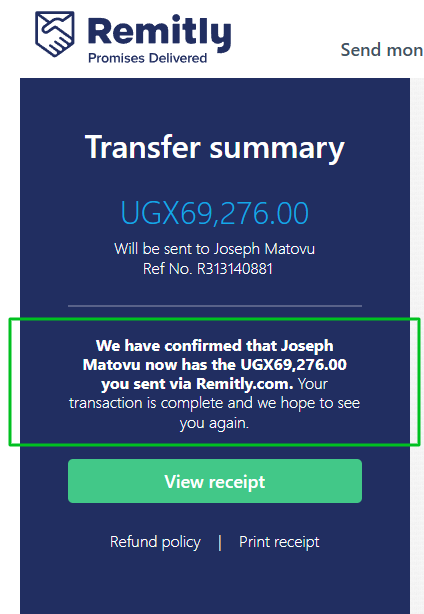
You just donated directly to the org, no middle-man, and they have a text, and they have the money. Good job!
You just donated directly to the org, no middle-man, and they have a text, and they have the money. Good job!
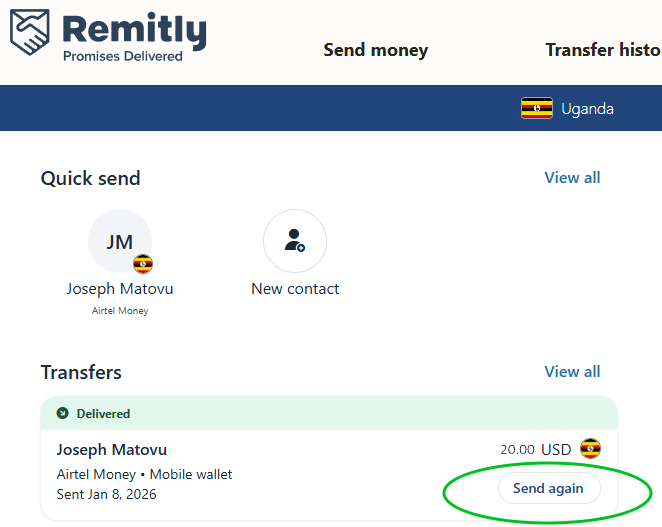
Now that you are all set up on the Remitly site, donating in the future to anyone will be easy, and especially to Joseph. A few clicks and DONE. This is right on your home page when you log in:
If you desire to send Joseph, or any GoalGraph.org group, a donation for something specific (land, clothes, buildings, books, etc) contact that person, let them know you are sending x dollars for that specific goal, and that way we can record your donation here on the site under that specific goal.
Thank you for helping those who need it!